
Your sales rep is mid-deal. The prospect is interested but not yet convinced. They ask the question every seller hears:
“Do you have any customers like us? Can you show me some success stories?”
What happens next determines whether momentum builds or stalls.
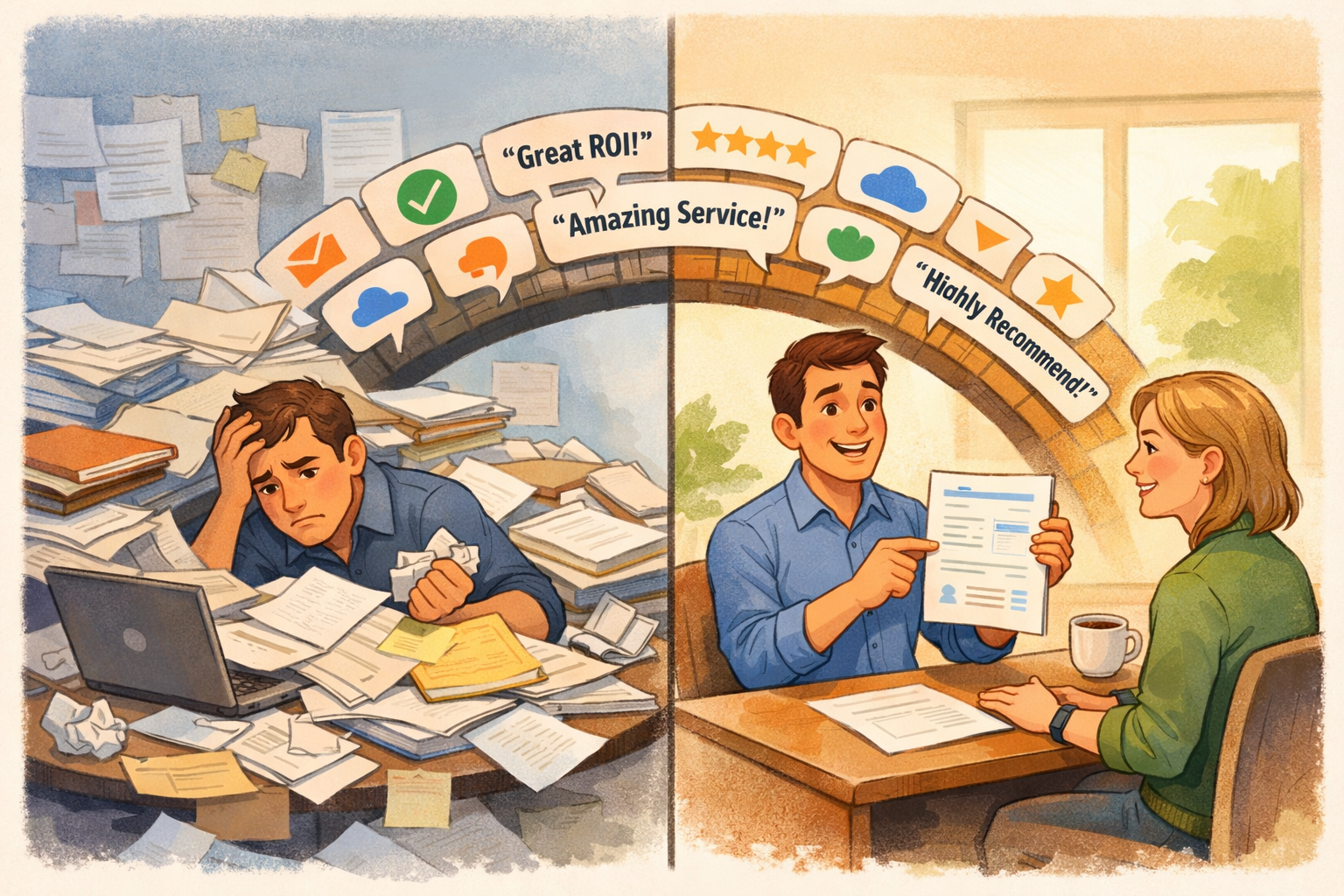
Scenario A: The rep says, “Let me get back to you.” They ping marketing. Marketing digs through folders. Three days later, a generic case study arrives—too long, wrong industry, buried in the prospect’s inbox.
Scenario B: The rep says, “Absolutely. Let me send you something right now.” Within 60 seconds, the prospect has a crisp one-pager featuring testimonials from three companies in their industry, complete with metrics, quotes, and a path to connect with those references directly.
Same product. Same prospect. Wildly different outcomes.
The difference isn’t luck. It’s preparation. And the secret weapon is a well-crafted one-pager loaded with social proof.
Why One-Pagers Work
In a world of 30-page whitepapers and hour-long demos, the one-pager stands out precisely because of what it isn’t: long, complex, or demanding.
Respects the Buyer’s Time
Your prospects are busy. They’re evaluating multiple vendors, managing their day jobs, and trying to build internal consensus. A one-pager says: “Here’s everything you need to know in two minutes.”
That’s not dumbing things down. That’s respecting their reality.
Easy to Share Internally
B2B purchases are committee decisions. Your champion needs to convince their boss, their CFO, their IT team. A one-pager is the perfect asset to forward:
- Short enough that people will actually read it
- Visual enough to scan quickly
- Credible enough to build confidence
A 20-page case study gets saved for later (and forgotten). A one-pager gets read in the meeting where decisions are made.
Combines Logic and Emotion
The best one-pagers blend proof points with human stories:
- Metrics satisfy the analytical buyer: “They reduced reference coordination by 75%”
- Quotes satisfy the emotional buyer: “This tool paid for itself in the first month”
- Logos satisfy the risk-averse buyer: “If [Trusted Brand] uses it, it must be legit”
One page. Three buying triggers. Zero fluff.
What Makes a High-Impact One-Pager
Not all one-pagers are created equal. The ones that accelerate deals share common elements.
1. Targeted Relevance
A generic “Customer Success” one-pager is better than nothing. But a one-pager tailored to the prospect’s world is exponentially more powerful.
Generic: “Our customers love us. Here are some quotes.”
Targeted: “Here’s how three mid-market healthcare companies solved the exact problem you’re facing.”
The more the one-pager mirrors the prospect’s industry, size, and use case, the more it resonates.
2. Credible Testimonials
Quotes only work if they’re believable. The strongest testimonials:
- Come from named individuals with real titles
- Reference specific outcomes, not vague praise
- Sound like a human wrote them (not your marketing team)
Weak: “Great product, highly recommend!” — Anonymous
Strong: “We cut our reference coordination time from 5 days to 5 minutes. Our sales team actually thanks us now.” — Sarah Chen, VP of Customer Success, Acme Health
3. Quantified Results
Numbers build credibility. Whenever possible, include:
- Time saved: “Reduced reference turnaround from 1 week to same-day”
- Revenue impact: “Contributed to 23% faster deal cycles”
- Efficiency gains: “Sales reps spend 3 fewer hours per week on reference logistics”
Metrics don’t need to be dramatic. They need to be real.
4. Clear Visual Hierarchy
A wall of text isn’t a one-pager—it’s a chore. Effective one-pagers use:
- Customer logos prominently displayed
- Testimonial quotes in callout boxes
- Metrics highlighted with large typography
- White space that lets the content breathe
The goal: a prospect should grasp the key message in 10 seconds of scanning.
5. A Path Forward
Every one-pager should answer: “What do I do next?”
- Link to schedule a call
- Option to request a reference conversation
- Contact information for follow-up
Don’t let momentum die on the page.
The Friction Problem
Even if you have great one-pagers, friction can kill their effectiveness.
Friction Point 1: Finding the Right Asset
Marketing created a beautiful healthcare one-pager… six months ago. It’s somewhere in Google Drive. Or maybe Dropbox. The rep can’t find it. They send the generic version instead. Opportunity missed.
Friction Point 2: Keeping Content Current
That testimonial from Acme Corp? Their champion left the company. The metrics are outdated. But nobody updated the document. The rep sends it anyway. Prospect calls the reference. Awkwardness ensues.
Friction Point 3: Version Control
Sales has one version. Marketing has another. Customer Success has a third with different quotes. Nobody knows which is current. Brand consistency erodes. Trust wavers.
Friction Point 4: Access Control
Your one-pagers contain customer names, quotes, and sometimes metrics those customers approved for limited use. If anyone can access and share them anywhere, you risk:
- Violating customer agreements
- Sharing outdated or unapproved content
- Competitors getting hold of your social proof
How lyynx Solves This
lyynx wasn’t just built for reference calls. It’s built for the entire reference ecosystem—including the assets that support those references.
Centralized Asset Library
Upload your one-pagers, case studies, and testimonial documents directly to lyynx. They live alongside the references they feature, creating a single source of truth.
- Every asset is findable in seconds
- No more digging through shared drives
- Sales, marketing, and CS all access the same library
Attached to Reference Profiles
When you upload a healthcare one-pager, you can attach it to the healthcare references it features. Now when a rep searches for “healthcare references,” they find both:
- The customers available for calls
- The supporting collateral ready to send
Context and content, together.
Always Current
When a testimonial needs updating—a champion leaves, metrics change, or a customer rebrands—you update it once in lyynx. Everyone immediately has the latest version.
No more “which version is right?” conversations. No more outdated quotes in market.
Controlled Access
This is where lyynx shines for sensitive assets.
Not every one-pager should be public. Some contain:
- Customer names under NDA restrictions
- Metrics approved only for qualified prospects
- Quotes that customers want limited distribution on
With lyynx, you control who sees what:
Public assets: Available on your prospect-facing portal for anyone to browse and download.
Authenticated access: Require prospects to log in or request access before viewing. You know who’s looking at what.
Internal only: Visible to your team for sales conversations, but not exposed externally.
Attached to private references: Some assets only appear when a prospect has been granted access to a specific reference.
Your social proof stays powerful AND protected.
Prospect Self-Service
For assets you want to share broadly, lyynx lets prospects help themselves.
They visit your reference portal, filter by their criteria (industry, company size, use case), and find:
- Reference profiles with testimonials
- Downloadable one-pagers
- Video testimonials
- Case study PDFs
No waiting for a rep to dig up collateral. No back-and-forth emails. Instant access to the proof they need to build their internal case.
Track Engagement
When you send a one-pager through lyynx—or a prospect downloads one from your portal—you get visibility:
- Who viewed it?
- How long did they engage?
- Did they share it internally?
- What did they look at next?
This is intent data that helps reps prioritize follow-up. A prospect who downloaded your healthcare one-pager twice and spent 5 minutes on it? They’re serious. Call them.
Building Your One-Pager Library
Ready to create high-impact one-pagers for lyynx? Here’s a practical approach.
Step 1: Map Your Segments
Identify the key dimensions prospects filter by:
- Industries you serve (healthcare, financial services, technology, etc.)
- Company sizes (SMB, mid-market, enterprise)
- Primary use cases (if you have multiple)
- Regions (if you’re global)
These become your one-pager categories.
Step 2: Prioritize by Pipeline
Look at your current deals:
- Which industries appear most often?
- Which segments have the highest average deal size?
- Where do you lose deals to “not enough proof”?
Start with one-pagers for your highest-priority segments.
Step 3: Gather Ingredients
For each one-pager, you need:
- 2-3 customer logos (with permission)
- 2-3 testimonial quotes (specific, outcome-focused)
- 2-3 key metrics (time saved, revenue impact, efficiency gains)
- Brief company descriptions (so prospects see the relevance)
If you don’t have these for a segment, that’s a signal to recruit more references there.
Step 4: Design for Scanning
Work with marketing (or use a template) to create a consistent format:
- Customer logos at the top
- Headline stating the value proposition
- Testimonial quotes with attribution
- Metrics in large, bold typography
- Clear CTA at the bottom
Keep it to one page. Really.
Step 5: Upload to lyynx
Add each one-pager to your lyynx asset library:
- Tag by industry, size, use case
- Attach to relevant reference profiles
- Set appropriate access controls
- Add to your prospect-facing portal (if public)
Now it’s findable, shareable, and trackable.
Step 6: Train Your Team
Let sales know:
- Where to find one-pagers in lyynx
- How to search by segment
- When to use them in the sales process
- How to share via lyynx (for tracking) vs. email attachment (no tracking)
The best assets in the world don’t help if the team doesn’t know they exist.
When to Deploy One-Pagers
One-pagers work throughout the sales cycle, but timing matters.
Early Stage: Build Credibility Fast
When a prospect is just learning about you, a one-pager signals: “Companies like you already trust us.” It’s proof that you’re worth their time.
Use case: After an initial call, send a targeted one-pager: “Here’s how three [industry] companies are using us.”
Mid-Stage: Address Specific Concerns
When objections emerge, a relevant one-pager can neutralize them. Worried about implementation? Here’s how similar companies handled it. Concerned about ROI? Here are the numbers.
Use case: Before a technical review, share a one-pager featuring metrics from similar-sized deployments.
Late Stage: Arm Your Champion
When your champion needs to build internal consensus, give them ammunition. A one-pager is the perfect “leave-behind” for internal meetings.
Use case: “Here’s a one-pager you can share with your CFO. It has the ROI data from three companies in your industry.”
Post-Sale: Generate More References
One-pagers aren’t just for prospects. Share them with new customers to show them what success looks like—and plant the seed for them to become a featured reference too.
The Competitive Advantage
Here’s the reality: most of your competitors are still emailing PDFs from cluttered shared drives. They’re sending generic collateral. They’re losing track of what’s current.
When you can:
- Deliver targeted one-pagers instantly
- Control access to sensitive social proof
- Track who’s engaging with what
- Keep everything current in one place
…you move faster, look more professional, and close more deals.
A well-organized library of one-pagers isn’t just a nice-to-have. It’s a competitive weapon.
And lyynx is where that weapon lives.
The Bottom Line
The best social proof in the world is useless if it’s buried in folders, outdated, or sent to the wrong people.
One-pagers work because they’re short, scannable, and shareable. They combine logos, quotes, and metrics into a credibility package that prospects actually consume.
But to unlock their full power, you need:
- A central library that’s easy to search
- Attachments to the references they feature
- Access controls that protect customer relationships
- Tracking that shows you who’s engaged
That’s what lyynx provides. Your one-pagers, your testimonials, your success stories—organized, protected, and ready to deploy in seconds.
Less friction. Faster deals. Social proof that works as hard as your sales team.
lyynx gives your team a centralized, access-controlled library for one-pagers, case studies, and testimonials—right alongside your customer references. See how it works →